ONE IMAGE. TWO READINGS.
Hide the code.
Reveal the image.
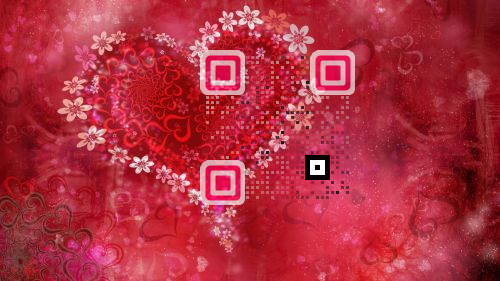
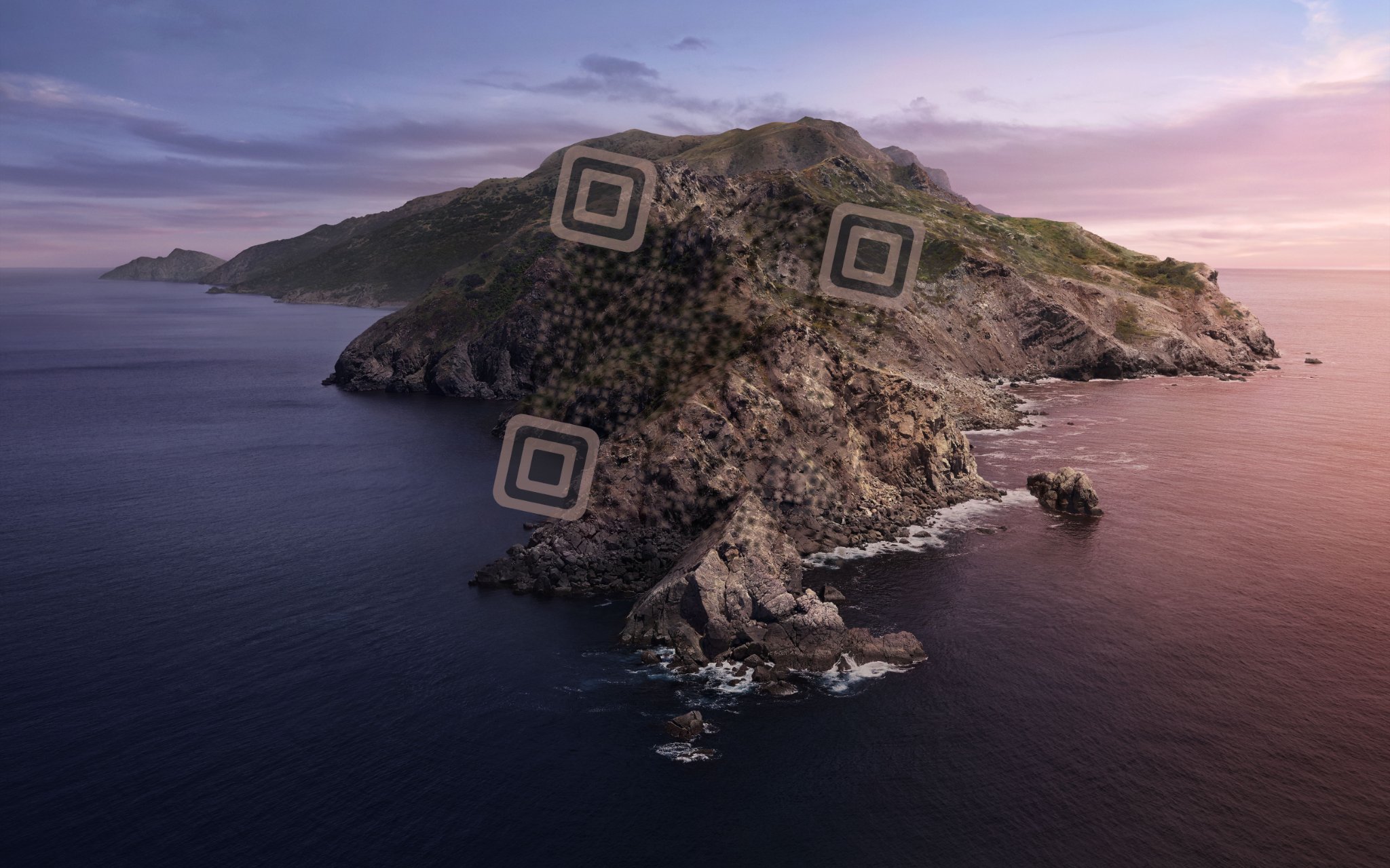
QRCB blends a working QR code into the light, texture and rhythm of an image — visible to the machine, somehow invisible to the eye. A subtle invitation to curiosity.
← See how it works and what it could do to unleash creativity
01IMAGE-AWARELocal contrast analysis
02ERROR-TOLERANTQR redundancy preserved
03HUMAN / MACHINEOne visual, two readings
TRY SCANNING THESE ACTIVE
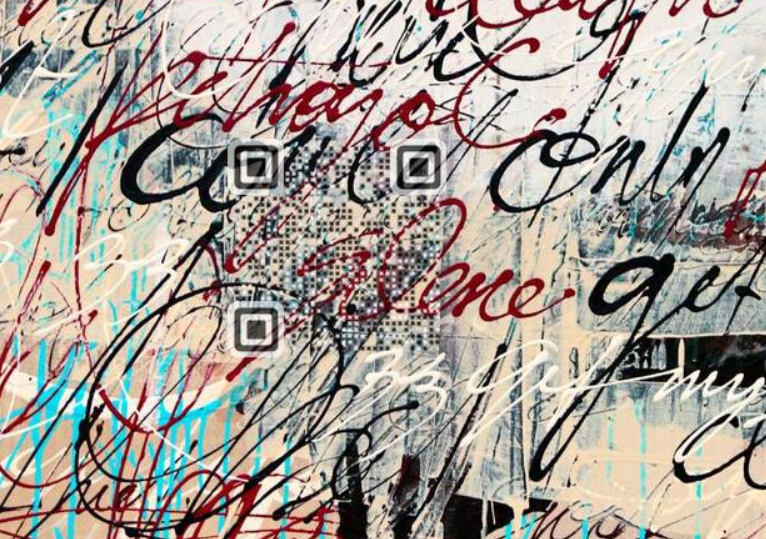
THE PRINCIPLE
The image supplies part of the signal. QRCodeBox analyses every cell, preserves the structural markers and draws only what the background cannot provide.
 stairs
 double squarish
 ultra basic
 squarish
 gangman basic
 gangman electro
 photocode (50%)
 photocode (60%)
 photocode (70%!)
 circle
 circle small
 rounded square
 square
 small square
 very small square
 horizontal lines
 vertical lines
 diagonals
 diagonals 2
 triangles
 star
star 45
45 45 small
 fade
fade tiles
tiles target
 target small
 trek
trek  trek electro
 circles
 circles darker
 hybrid
 hybrid 2
 Maze Basic
 Maze Shadow
 Maze Rounded
 Maze Rounded Shadow